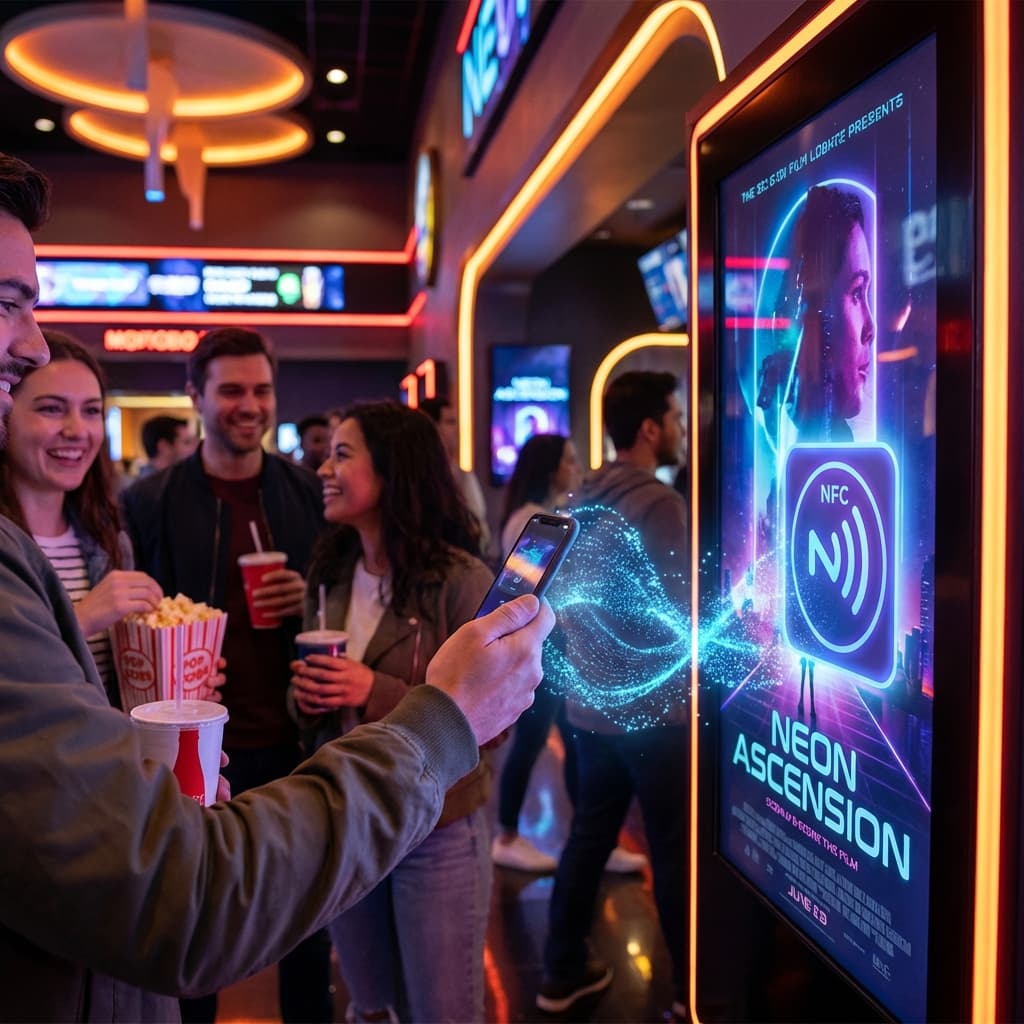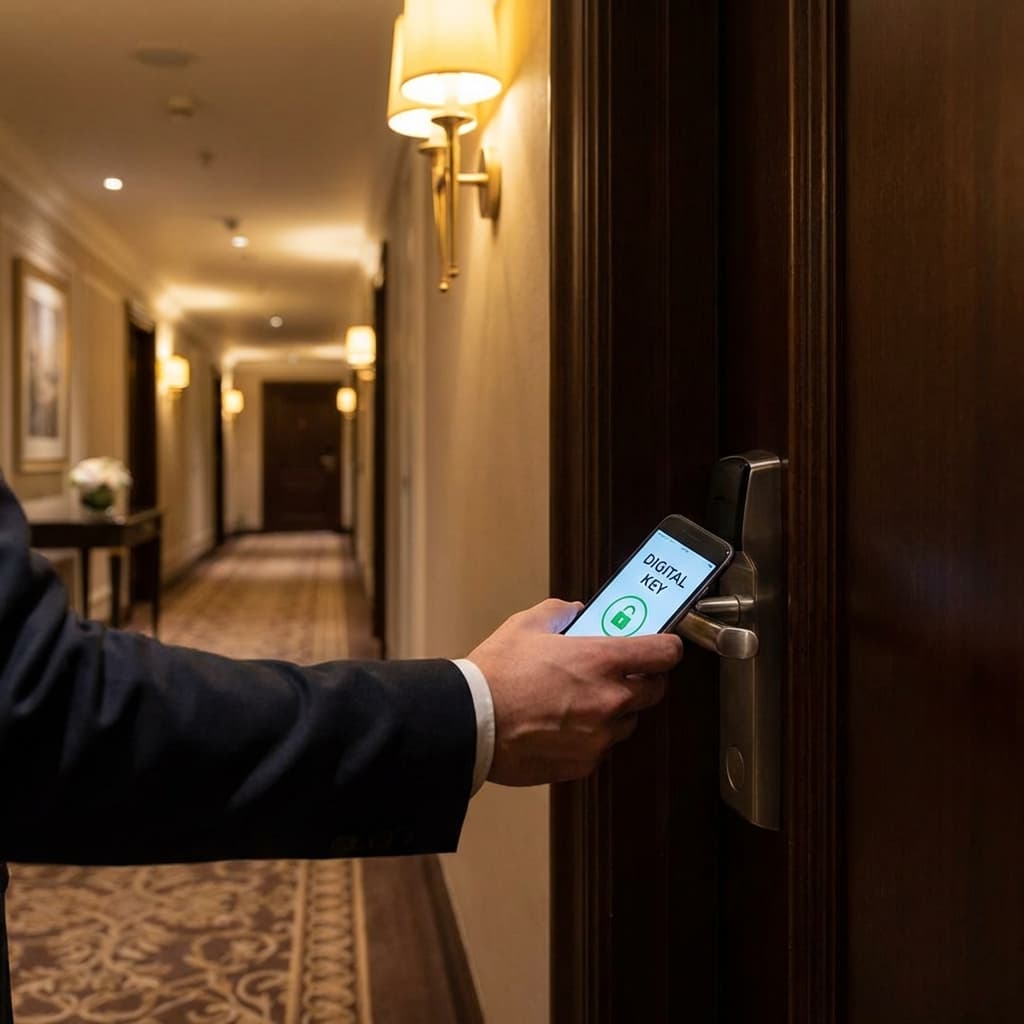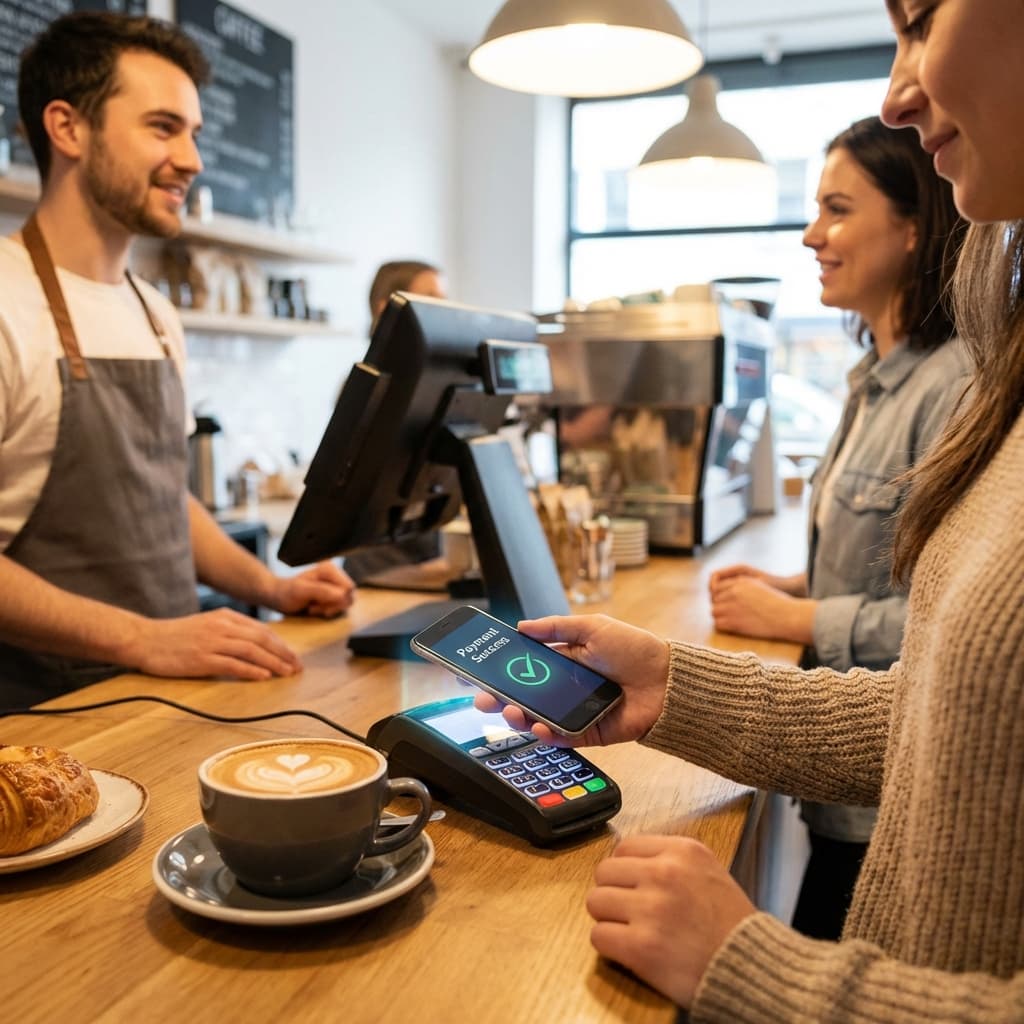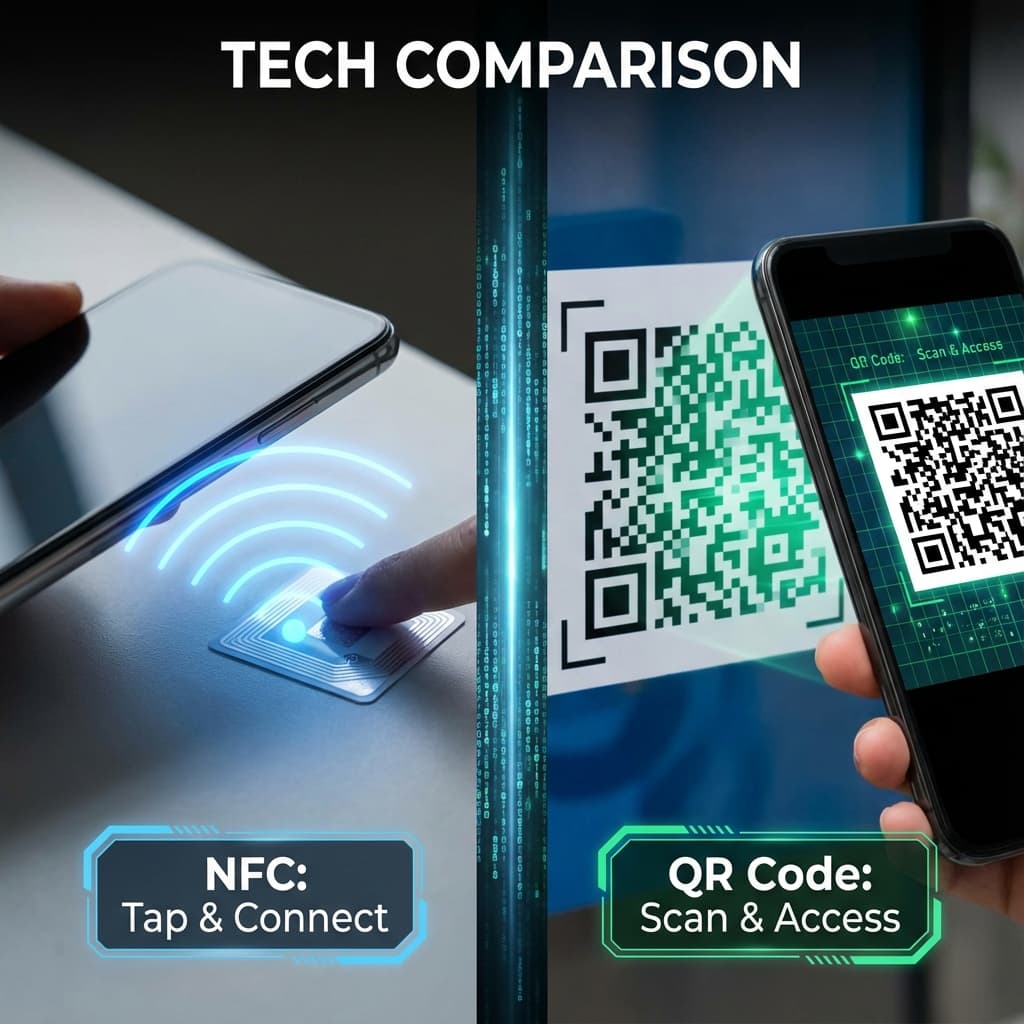
When bridging the physical and digital worlds—whether to share a menu, a Wi-Fi password, a website, or a payment link—business owners typically face two technology choices: NFC Tags or QR Codes.
Both technologies serve the same fundamental purpose: creating a seamless connection between physical spaces and digital experiences. A customer encounters a physical touchpoint (a tag, sticker, or printed code), interacts with it using their smartphone, and is instantly transported to digital content—a menu, a website, a Wi-Fi network, or a payment portal.
But while the destination is the same, the journey is vastly different. The user experience, cost structure, durability, and perception of these technologies diverge significantly. For business owners making infrastructure decisions, understanding these differences is critical.
In this comprehensive comparison, we'll examine NFC and QR codes across every relevant dimension—technology fundamentals, user experience, cost considerations, use case suitability, durability, aesthetics, compatibility, and strategic implementation. By the end, you'll have a clear framework for deciding which technology (or combination) makes sense for your specific business context.
The Contenders: Technical Foundations
Before comparing performance, let's understand what these technologies actually are and how they work.
QR Codes (Quick Response Codes)
Technology: QR codes are two-dimensional barcodes—visual patterns of black squares arranged on a white grid. They were invented in 1994 by Denso Wave, a Toyota subsidiary, for tracking automotive parts. The "Quick Response" name refers to their ability to be scanned quickly compared to traditional linear barcodes.
How They Work:
- Data (URL, text, Wi-Fi credentials) is encoded into a matrix pattern
- User opens smartphone camera app (or dedicated QR app on older devices)
- Camera recognizes the QR pattern and decodes the embedded information
- Phone displays notification or link preview
- User taps notification to proceed to destination
Data Capacity: Can store up to 4,296 alphanumeric characters, though practical QR codes typically contain much less to maintain scan reliability.
Technical Specifications:
- Visual recognition via camera
- Requires line of sight and adequate lighting
- Scanning distance: 10cm to several meters depending on code size
- No power source required (purely visual)
- Can be printed on any surface
Cost: Free to generate, costs only whatever printing/display medium you choose.
NFC Tags (Near Field Communication)
Technology: NFC is a wireless communication protocol that enables data exchange between devices within close proximity (typically 4 centimeters). It evolved from RFID (Radio Frequency Identification) technology but with enhanced security and bidirectional communication capabilities.
How They Work:
- Data is written to a small chip embedded in a tag, card, or sticker
- User brings NFC-enabled smartphone within 4cm of the tag
- Electromagnetic induction powers the passive tag and initiates data transfer
- Phone's NFC reader extracts the information
- Operating system processes the data type (URL, Wi-Fi config, contact card)
- Automatic action triggers or notification appears
Data Capacity: Standard NTAG chips hold 144-888 bytes (smaller than QR codes, but sufficient for URLs and most business applications).
Technical Specifications:
- Radio frequency communication at 13.56 MHz
- Operates in complete darkness
- Requires NFC-enabled smartphone (95%+ of modern devices)
- Passive tags require no power source
- Durable physical chip encapsulated in plastic, paper, or epoxy
Cost: $0.30-$5.00 per tag depending on quantity, chip type, and form factor (basic stickers vs. premium custom-designed cards).
Head-to-Head Comparison: 12 Critical Dimensions
| Dimension | QR Codes | NFC Tags | Winner | | :--- | :--- | :--- | :--- | | Speed | 3-8 seconds (Open, focus, tap link) | 1-2 seconds (Tap & instant) | NFC | | Lighting | Requires adequate light; fails in darkness | Works in pitch black | NFC | | Distance | Works from 10cm to several meters | Requires 0-4cm proximity | QR | | Initial Cost | Free to generate | $0.30-$5 per tag | QR | | Long-term Cost | Reprinting required if damaged | Durable, rarely needs replacement | NFC | | Durability | Printing can fade, scratch, or smudge | Chip encapsulated, highly durable | NFC | | Aesthetics | Visually prominent black square | Can be invisible or elegantly branded | NFC | | Device Compatibility | 100% (any camera phone) | ~95% (NFC required) | QR | | User Familiarity | Very high (pandemic-era adoption) | Moderate to high (via contactless payment) | QR | | Perceived Innovation | Standard/expected | Modern/impressive | NFC | | Data Security | Visible data, can be altered/replaced | Encrypted chip, harder to tamper | NFC | | Environmental Conditions | Vulnerable to moisture, dirt, glare | Highly resistant to environmental factors | NFC |
Overall Assessment: NFC wins on user experience, durability, and perception. QR wins on cost and universal compatibility. The ideal solution for most businesses is strategic deployment of both.
Deep Dive: User Experience and Friction Analysis
The most critical differentiator between these technologies isn't technical—it's psychological. The user experience shapes perception, completion rates, and brand association.
The QR Code Experience: Multi-Step Process
Let's dissect what actually happens when a customer encounters a QR code:
Step 1: Recognition (1-2 seconds) Customer sees black and white square pattern and recognizes it as scannable. Modern consumers understand this visual language, but it still requires conscious recognition.
Step 2: Device Retrieval (2-5 seconds) Customer retrieves phone from pocket/purse. If at a table or counter, may already have phone out, but not guaranteed.
Step 3: Camera Launch (1-3 seconds) User must open camera app. On iOS/Android, this is relatively quick, but varies by device and user familiarity. Some users still look for dedicated QR scanning apps.
Step 4: Positioning and Focus (2-5 seconds) User must aim camera at code, ensure adequate distance, wait for focus, and hold steady. In dim lighting, this can extend significantly. Glare from laminated menus or window reflections can make this frustrating.
Step 5: Recognition and Link Display (1-2 seconds) Camera recognizes QR code and displays notification or link preview (typically a yellow banner at top of screen on iOS, notification on Android).
Step 6: Link Tap (1-2 seconds) User must tap the small notification/link to proceed. This is easy to miss if the notification is subtle or user isn't expecting it.
Total Time: 8-19 seconds (highly variable based on conditions)
Friction Points:
- Multiple conscious steps required
- Lighting dependent
- Positioning and focus can be frustrating
- Small tap target in notification
- Feels like "work" rather than magic
Failure Modes:
- Insufficient lighting (especially in bars, clubs, dim restaurants)
- Damaged/dirty code that won't scan
- Glare preventing focus
- User holds phone too close or too far
- User doesn't notice the notification banner
- QR code leads to broken link or mobile-unfriendly page
The NFC Experience: Single Fluid Motion
Now contrast this with NFC:
Step 1: Recognition (0.5-1 second) Customer sees signage "Tap phone here" or recognizes NFC logo. The physical affordance (a specific location to tap) is immediately intuitive.
Step 2: Device Retrieval + Tap (1-2 seconds) Customer retrieves phone and taps it to the designated spot in one fluid motion. No app opening required—the NFC reader is always active when phone is unlocked.
Step 3: Automatic Processing (0.5-1 second) Phone vibrates or provides haptic feedback confirming detection. Notification appears automatically without any additional taps needed (for many actions). For Wi-Fi, system prompt appears: "Join Network X?"
Step 4: Confirmation (0.5-1 second) For some actions (Wi-Fi, opening URLs), user taps one confirmation. For others (loyalty check-ins, information retrieval), action is automatic.
Total Time: 2.5-5 seconds
Friction Points:
- Requires knowing where NFC antenna is located on phone (usually near top or center back)
- Thick phone cases can occasionally interfere
- 5% of devices lack NFC capability
Failure Modes:
- Phone case too thick (rare with modern cases)
- Phone NFC disabled in settings (uncommon)
- Tag damage or deactivation (very rare)
- User has older phone without NFC
The Psychological Difference
Beyond measurable time savings, there's a qualitative difference in how these interactions feel.
QR Scanning feels like:
- A deliberate task to complete
- Multiple decision points
- Work interrupting the flow of experience
- Standard/expected functionality
NFC Tapping feels like:
- A natural gesture
- Immediate and effortless
- Magic that "just works"
- Modern and premium
This psychological distinction matters enormously for brand perception. A restaurant using NFC tags signals attention to detail and investment in customer experience. A restaurant using QR codes (while perfectly functional) signals standard operation.
Use Case Analysis: When to Use Each Technology
The optimal choice depends heavily on your specific application.
Best Use Cases for NFC
1. High-Touch, Premium Environments
- Fine dining restaurants
- Boutique hotels
- Luxury retail
- High-end spas and salons
- Premium fitness clubs
Why: The elevated user experience matches brand positioning. The durability justifies the higher initial cost given high-frequency use.
2. Table Service and Hospitality
- Restaurant tables (embedded in table tents, coasters)
- Hotel room directories
- Spa treatment rooms
- Conference room directories
Why: Permanent or semi-permanent installation makes durability valuable. Close-range interaction (tapping table) feels natural.
3. Wi-Fi Access Points
- Guest network access
- Co-working space authentication
- Event venue connectivity
Why: NFC's ability to transfer encrypted Wi-Fi credentials without displaying password is both convenient and secure.
4. Loyalty Programs and Check-Ins
- Point accrual at checkout
- Event attendance tracking
- Membership verification
Why: Speed is critical at checkout. NFC's instant recognition accelerates queues.
5. Product Authentication
- Luxury goods verification
- Pharmaceutical authentication
- High-value electronics
Why: NFC chips are harder to duplicate than QR codes, providing better anti-counterfeiting protection.
Best Use Cases for QR Codes
1. Mass Distribution and Print Media
- Posters and flyers
- Print advertisements
- Direct mail campaigns
- Business cards (when cost is priority)
- Product packaging
Why: Free generation makes them economical for high-volume distribution. Printing is the only cost.
2. Large Format Displays
- Window signage
- Billboards
- Event banners
- Storefront displays
Why: QR codes can be scanned from several feet away, while NFC requires touching the surface.
3. Temporary Installations
- Pop-up events
- Festival activations
- Short-term promotions
- Seasonal campaigns
Why: When installation will only last days or weeks, the low cost of QR codes makes them more practical than purchasing NFC tags.
4. Information Sharing (Not Actions)
- Museum exhibit information
- Historical marker details
- Product specification sheets
- Equipment instruction manuals
Why: When the goal is passive information sharing rather than action (connecting, purchasing, authenticating), QR codes are sufficient.
5. Budget-Constrained Implementations
- Startup businesses
- Non-profit organizations
- Small businesses testing contactless concepts
- Schools and educational institutions
Why: When budget is the primary constraint, QR codes eliminate hardware costs.
6. Outdoor and Harsh Environments
- Parking lot signage
- Trail markers
- Construction site information
- Agricultural applications
Why: While NFC tags can be weatherproofed, QR codes on durable laminated materials or etched metal plates can be more cost-effective for outdoor permanence.
Applications Where Both Should Be Deployed
1. Guest Wi-Fi Access Deploy NFC tags as the primary method (optimal user experience), with QR code backup for:
- Users with older phones lacking NFC
- Laptop users (most laptops don't have NFC)
- Users unfamiliar with NFC who default to familiar QR scanning
2. Restaurant Menus NFC embedded in table tents for instant access, QR code printed on physical menu or table surface as backup.
3. Retail Product Information NFC tag on product for instant rich-media experience, QR code on price tag for compatibility.
4. Event Check-In NFC for fast check-in queues (primary), QR code on confirmation email as backup if user forgets printed ticket or NFC-enabled device.
Cost-Benefit Analysis: Total Cost of Ownership
Initial cost is only one factor. Let's examine total cost of ownership over 24 months for a typical deployment.
Scenario: 25-Table Restaurant Implementing Digital Menus
NFC Implementation:
Initial Costs:
- 30 NFC tags (tables + bar + entrance): $150-900 (depending on quality)
- Design work for branded tags: $200-500
- Programming time: $0 (if using service like WifiNFC) to $200 (if DIY)
- Staff training: $100
Total Initial: $450-1,700 (average: $1,075)
24-Month Ongoing Costs:
- Replacement tags (2-3 damaged over 24 months): $30-90
- Reprogramming for menu updates: $0 (if using cloud-managed platform)
Total 24-Month Cost: $480-1,790 (average: $1,135)
QR Code Implementation:
Initial Costs:
- QR code generation: $0
- Design work for branded table tents: $200-500
- Printing 30 laminated table tents: $150-300
- Staff training: $50 (simpler technology)
Total Initial: $350-800 (average: $575)
24-Month Ongoing Costs:
- Replacement table tents (wear, damage, menu updates): $450-900
- Reprinting for seasonal menus (4x per year): $600-1,200
- Design updates: $200-400
Total 24-Month Cost: $1,600-3,300 (average: $2,450)
Surprising Result: Despite higher initial cost, NFC is cheaper over 24 months due to durability and easy updates. QR codes require frequent reprinting, especially if menus change seasonally or items are updated.
Break-Even Analysis
For a restaurant changing menus 4 times per year:
- NFC breaks even with QR codes at 18-24 months
- For restaurants with static menus: QR codes remain cheaper indefinitely
- For restaurants with weekly/monthly menu changes: NFC breaks even at 6-12 months
Durability and Maintenance: Long-Term Reliability
QR Code Durability Challenges
Printing Degradation:
- Ink fading from UV exposure (sunlight, bright overhead lights)
- Smudging from handling or liquids
- Scratching from cleaning or abrasion
- Paper tearing or laminate peeling
Environmental Vulnerability:
- Moisture causing paper warping or ink running
- High temperatures (outdoor summer installations) causing adhesive failure
- Cleaning chemicals degrading lamination or ink
Expected Lifespan:
- Indoor, low-touch: 12-24 months
- High-touch (table tents, counter displays): 6-12 months
- Outdoor: 3-6 months even with lamination
Maintenance Requirements:
- Regular inspection for damage
- Immediate replacement when scanning fails
- Bulk replacement when menus/content change
NFC Tag Durability Advantages
Physical Robustness:
- Chip encapsulated in epoxy resin or plastic
- Resistant to moisture, heat, cold
- Scratch-resistant surfaces
- Impact-resistant (can be dropped, stepped on)
Environmental Resistance:
- IP67-rated waterproof options available
- Temperature range: -40°C to +85°C
- Resistant to cleaning chemicals
- UV-stable materials don't fade
Expected Lifespan:
- Indoor, standard tags: 5-10 years
- High-traffic environments: 3-5 years
- Outdoor, weatherproof tags: 5-7 years
Maintenance Requirements:
- Occasional inspection (quarterly)
- Rare replacement (only if physically damaged)
- Content updates via reprogramming (no physical replacement needed)
Real-World Example: A hotel chain deployed NFC tags in 250 rooms in 2018. As of 2025:
- Original tags still functional: 94%
- Replacements needed: 15 tags (6%)
- Replacement reasons: 8 physically removed/stolen, 7 damaged during renovations
- No replacements due to normal wear
Aesthetic Considerations and Brand Perception
Your choice of technology sends a message about your brand.
QR Code Aesthetics
Visual Impact: QR codes are inherently visually prominent—a stark black and white pattern that demands attention. While this ensures visibility, it can clash with carefully curated brand aesthetics.
Design Limitations:
- Must maintain sufficient contrast (black/white or very dark/very light)
- Cannot be significantly altered without breaking functionality
- Center can be customized with logo (up to 30% of code can be "damaged" and still scan)
- Shape modifications possible but reduce reliability
Brand Perception:
- Functional and pragmatic
- Standard/expected
- Pandemic-era association (both positive and negative)
- "Budget-conscious" perception in premium environments
Mitigation Strategies:
- High-quality printing on premium materials
- Thoughtful integration into overall design
- Brand colors in surrounding elements
- Professional graphic design
NFC Aesthetic Advantages
Visual Options:
- Completely Invisible: Embed tag under surface (table, countertop, wall) with only small instruction text visible
- Minimal Icon: Small NFC logo (recognizable wave symbol) in corner
- Custom Branded Design: Full custom card or sticker design with embedded chip
- Premium Materials: Metal, wood, acrylic with embedded tags
Design Freedom:
- Tag itself is hidden; visible design is entirely customizable
- No visual constraints beyond space for "tap here" instruction
- Can match any brand aesthetic (minimalist, ornate, modern, classic)
- Premium materials elevate perception
Brand Perception:
- Modern and innovative
- Premium and thoughtful
- Technology-forward
- Attention to detail
Example Implementations:
- Minimalist Restaurant: Sleek black acrylic plates with subtle white "◎ Tap for Menu" text
- Rustic Brewery: NFC tags embedded in wooden coasters with branded artwork
- Luxury Hotel: Elegant leather-wrapped cards with gold foil branding
- Tech Startup Office: Transparent acrylic with LED backlighting
Device Compatibility and Market Penetration
Understanding what percentage of your customers can actually use each technology is critical.
QR Code Compatibility
Advantages:
- 100% of smartphones with cameras (essentially all smartphones)
- Many devices have built-in QR scanning in native camera app (iOS 11+, Android 9+)
- Older devices can install free QR scanning apps
- Works with tablets, laptops with cameras
- No special hardware required
Limitations:
- Older devices (pre-2017) may need app download
- Some users unfamiliar with scanning process
- Camera quality affects scanning reliability
Market Penetration: 99.9% of smartphone users can scan QR codes
NFC Compatibility
Advantages:
- All iPhones from iPhone 7 onwards (2016+)
- All Android devices with NFC chip (~95% of devices sold since 2018)
- Always-on functionality (no app opening required)
- Faster and more reliable than QR in supported devices
Limitations:
- 5% of current smartphone users have devices without NFC
- Most laptops do not have NFC readers
- Some budget Android phones omit NFC chip
- Older iPhones (6 and earlier) cannot read NFC tags
Market Penetration: 90-95% of smartphone users have NFC-capable devices
Demographic Considerations:
Age:
- Under 35: 98% NFC-capable (newer devices)
- 35-55: 92% NFC-capable
- Over 55: 85% NFC-capable (more likely to have older devices)
Geography:
- Urban areas: 95%+ NFC-capable
- Rural areas: 88-92% NFC-capable
- International visitors: 95%+ (newer devices common among travelers)
Recommendation: If your customer base skews older or budget-conscious, maintain QR backup. For premium urban establishments with younger demographics, NFC-only is viable.
Security Considerations
Both technologies have security implications worth understanding.
QR Code Security Concerns
Vulnerability to Tampering: QR codes can be easily replaced or covered with malicious codes:
- Attacker prints sticker with malicious QR code
- Places it over your legitimate code
- Unsuspecting users scan the malicious code
- Users are directed to phishing sites or malware
Link Destinations: QR codes typically link to URLs, which can:
- Be changed if you don't own the domain
- Lead to phishing sites if code is replaced
- Track users if URL contains tracking parameters
- Expose users to malware if destination is compromised
Mitigation:
- Use URL shorteners you control (custom domain)
- Regularly inspect QR codes for tampering
- Use tamper-evident lamination or placement
- Implement HTTPS on all destination sites
NFC Security Advantages
Harder to Tamper:
- Physical chip must be replaced (not just covered)
- Chip encoding is encrypted
- Tampering is more technically challenging
- Tag damage is usually visible
Secure Data Transmission:
- Short range (4cm) prevents remote interception
- Encrypted data transfer protocols
- No intermediary servers required for many applications (Wi-Fi credentials transferred directly)
Authentication:
- NFC tags can contain cryptographically signed data
- Can verify tag authenticity to prevent cloning
- Mutual authentication possible for sensitive applications
Remaining Risks:
- Sophisticated attackers can clone NFC tags
- Physical tag replacement possible
- If tag links to URL, same web security concerns apply
Best Practice: For high-security applications (payments, authentication), use NFC with cryptographic verification. For standard marketing/information uses, both technologies have acceptable security with basic precautions.
The Hybrid Strategy: Best of Both Worlds
For most businesses, the optimal solution isn't choosing between NFC and QR codes—it's strategically deploying both.
Implementation Framework
Primary Technology: NFC Use NFC as the main customer interface for:
- Permanent installations (tables, counters, rooms)
- High-frequency touchpoints
- Premium customer experiences
- Applications where speed matters
Backup Technology: QR Code Include QR code for:
- Compatibility with 100% of devices
- Laptop access (especially for Wi-Fi)
- Customers unfamiliar with NFC
- Emergency backup if NFC fails
Design Integration
Visual Hierarchy: Make NFC the prominent call-to-action, with QR as secondary option:
[Large, prominent text]
Tap your phone here for instant Wi-Fi
[NFC tag location clearly marked]

[Smaller text below]
Or scan this code:
[Small QR code]
This approach prioritizes the better experience (NFC) while ensuring universal access.
Cost Optimization
Start with NFC+QR hybrid at high-value touchpoints:
- Tables (restaurant/café)
- Hotel rooms
- Primary entrances
- High-traffic areas
Use QR-only for mass distribution:
- Flyers and print ads
- Window posters
- Temporary promotions
- Large-format distant signage
Use NFC-only for embedded installations:
- Integrated into furniture or architecture
- Where QR backup would be impractical
- Premium applications where 95% compatibility is acceptable
Real-World Case Studies: Measured Results
Case Study 1: Boutique Hotel Chain (45 Properties)
Implementation:
- NFC tags in all 3,200 guest rooms
- QR codes in lobby and common areas
- Hybrid NFC+QR on restaurant tables
Deployment:
- NFC for room directories, Wi-Fi access, concierge services
- QR for event calendars, spa bookings, local recommendations
Results After 12 Months:
- 87% of guest interactions via NFC
- 11% via QR codes
- 2% requested verbal Wi-Fi password
- Guest satisfaction with technology convenience: 4.6/5
- Reduced front desk "how to connect" questions by 76%
- Annual savings in support time: $87,000 across properties
- Technology investment: $48,000 (ROI achieved in 6.5 months)
Key Learning: Guests overwhelmingly preferred NFC when available, but QR backup prevented frustration for minority of users with older devices.
Case Study 2: Fast-Casual Restaurant Chain (12 Locations)
Implementation:
- QR codes on table tents
- NFC tags at payment counter
- Hybrid approach at entrance
Deployment:
- QR for menu access and ordering
- NFC for loyalty check-in and payment
- Testing NFC vs QR for customer preference
Results After 6 Months:
- QR menu access: 73% adoption rate
- NFC loyalty check-in: 61% adoption rate
- NFC perception score: 4.3/5
- QR perception score: 3.8/5
- Average transaction time with NFC: 47% faster than QR
- Customer comment: "NFC feels more premium" appeared in 23% of feedback
Key Learning: For actions requiring speed (payments, check-ins), NFC provided measurably better experience. For browsing (menus), QR was sufficient.
Case Study 3: Museum with 14 Exhibits
Implementation:
- QR codes primary signage (visitor scanning distance 1-2 meters)
- NFC embedded in interactive exhibits for close-up engagement
Deployment:
- QR for general information (can scan from wheelchair, different heights, varied distances)
- NFC for immersive audio guides and augmented reality triggers
Results After 9 Months:
- QR scan rate: 67% of visitors
- NFC interaction rate: 43% of visitors (subset of QR users)
- Accessibility feedback: QR codes praised for distance scanning (visually impaired users with long canes, wheelchair users)
- Engagement feedback: NFC praised for "magical feeling" of touching artifact case and hearing story
Key Learning: Distance matters. QR codes' ability to be scanned from varied distances made them more accessible. NFC's intimate close-range interaction created deeper engagement for interactive elements.
Decision Framework: Choosing the Right Technology
Use this framework to determine your optimal approach:
Choose NFC Primary (with QR Backup) If:
- ✓ Target audience skews younger (under 45)
- ✓ Premium/luxury brand positioning
- ✓ Permanent or semi-permanent installation
- ✓ Speed of interaction is critical
- ✓ Operating in dim environment (bars, clubs, theaters)
- ✓ Budget allows $3-10 per touchpoint
- ✓ Frequent content updates (justify investment in programmable tags)
Choose QR Primary (with Optional NFC) If:
- ✓ Budget under $1 per touchpoint
- ✓ Temporary installation (days to weeks)
- ✓ Mass distribution needed (thousands of print pieces)
- ✓ Long-distance scanning helpful (>10cm)
- ✓ Outdoor large-format signage
- ✓ Target audience includes high proportion of older users with older devices
- ✓ Content rarely changes (static URLs)
Choose Hybrid (Both) If:
- ✓ Want to maximize accessibility (100% compatibility)
- ✓ Permanent installation with premium UX goals
- ✓ Budget allows for NFC tags plus printing
- ✓ High-touch customer service environment
- ✓ Customer base diverse in age and device age
- ✓ Multiple use cases (Wi-Fi needs NFC, menu can use QR)
Future Trends: What's Coming
Both technologies continue to evolve:
NFC Evolution:
- Longer Range NFC: New standards extending range to 10-15cm
- NFC+Blockchain: Tamper-proof authentication for luxury goods
- Biometric Integration: NFC combined with fingerprint/face recognition for secure payments
- IoT Integration: NFC triggering smart home/office actions
QR Code Evolution:
- Dynamic QR: Codes that change destination based on time, user, or context without reprinting
- Design Flexibility: Advanced error correction allowing more stylistic customization
- Augmented Reality Integration: QR codes triggering AR experiences
- Security Enhancements: Encrypted QR codes with authentication
Convergence: Some emerging systems use QR codes to initiate NFC pairing, combining the best of both—QR's distance scanning with NFC's secure close-range data transfer.
Conclusion: Strategic Technology Deployment
The NFC vs QR code debate isn't about one technology being universally superior—it's about matching technology to context.
Key Takeaways:
-
User Experience: NFC provides a measurably faster, more intuitive, more "magical" experience. QR codes are functional but involve more friction.
-
Cost: QR codes have lower initial cost but higher ongoing costs due to reprinting. NFC has higher initial cost but lower lifetime cost for permanent installations.
-
Compatibility: QR codes work with 100% of camera phones. NFC works with 90-95% of modern smartphones.
-
Brand Perception: NFC signals premium, modern, thoughtful. QR signals functional, standard, pragmatic.
-
Durability: NFC tags last 5-10 years with minimal maintenance. QR codes last 6-24 months depending on environment.
-
Optimal Strategy: For most businesses, deploy NFC as primary method with QR backup, maximizing experience while ensuring accessibility.
The businesses winning with contactless technology aren't choosing one over the other—they're strategically deploying both to create seamless, inclusive, premium experiences.
If you're implementing Wi-Fi sharing, customer engagement, or digital menus, start with NFC for your core experience. Add QR codes for universal compatibility. Measure adoption rates. Optimize based on your specific customer behavior.
The future is contactless. The question isn't whether to adopt these technologies—it's how to deploy them most effectively for your unique business context.