The restaurant industry is notorious for its razor-thin margins. With profit margins typically hovering between 3-5% for full-service restaurants and 6-9% for quick-service establishments, every percentage point of efficiency gained or cost reduced directly impacts survival. To thrive in 2025's competitive landscape, forward-thinking restaurateurs are turning to technology not just for survival, but for genuine competitive advantage.
The days of shouting orders to the kitchen, manually counting inventory at closing time, and hoping your Yelp reviews stay positive are over. Today's successful restaurants leverage technology to reduce labor costs, minimize waste, enhance customer experience, and build lasting relationships with guests.
This transformation isn't limited to enterprise chains with massive IT budgets. The democratization of restaurant technology means that independent operators and small restaurant groups can now access tools that were once exclusive to major brands—often at affordable monthly subscription rates.
Here are the 5 major technology trends that are fundamentally reshaping the dining landscape in 2025, complete with implementation guidance, cost considerations, and expected returns on investment.
1. Contactless Everything: The New Standard
The global pandemic accelerated the adoption of contactless technology by nearly a decade, compressing what would have been gradual adoption into an 18-month sprint. In 2025, contactless technology isn't about pandemic safety—it's about efficiency, speed, and customer preference.
Research shows that 65% of diners now prefer restaurants that offer contactless ordering options, and this preference spans all age demographics. Gen Z customers see it as expected baseline functionality, while older demographics appreciate the control and lack of pressure.
Order at Table: Empowering Guests
Traditional table service follows a predictable pattern: customers sit, wait for server attention, browse menu, wait for server to return, place order, kitchen prepares food, server delivers. Each handoff point introduces delay and potential error.
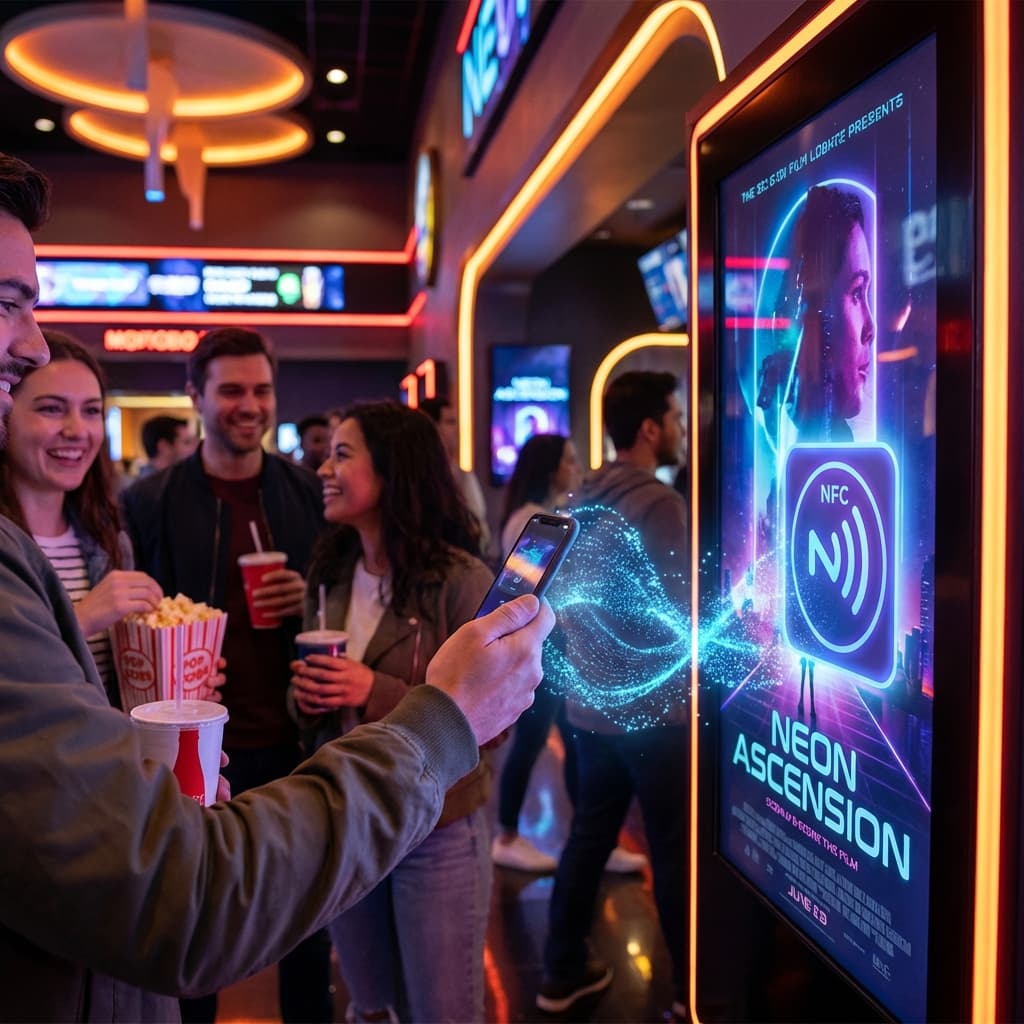
Modern contactless ordering inverts this model. Customers scan an NFC tag or QR code embedded in the table tent, instantly accessing a digital menu on their own device. They browse at their own pace, customize orders with unprecedented detail (extra dressing on the side, light ice, allergy notes), and submit directly to the kitchen.
Benefits to Guest Experience:
- No waiting for server attention to order or get refills
- Browse menu at own pace without feeling rushed
- Detailed nutritional information, allergen warnings, and ingredient lists available
- Visual presentations with professional food photography
- Ability to order additional items throughout meal without flagging server
- Clear pricing eliminates surprises
Benefits to Operations:
- Servers freed from order-taking become hospitality specialists who check on satisfaction, recommend wine pairings, and build rapport
- Order accuracy increases dramatically (no mishearing or miswriting orders)
- Average check size increases 12-18% due to upsell prompts and easy add-ons
- Kitchen ticket times improve because orders arrive directly from customer
- Labor costs for front-of-house can be reduced by 15-20% while maintaining service quality
Implementation Considerations: Successful contactless ordering requires more than just deploying technology. Menu engineering becomes critical—you need compelling item descriptions, strategic placement of high-margin items, and intelligent upsell prompts ("Add truffle fries for $4?").
Staff training shifts from order-taking to experience management. Servers need training on how to check in authentically, read tables for satisfaction, and intervene when technology creates friction.
Cost Analysis:
- Platform subscription: $50-200/month depending on features
- NFC tags or QR table tents: $5-15 per table (one-time)
- Menu photography: $500-2,000 (one-time)
- Staff training time: 4-8 hours
ROI Timeline: Most restaurants see breakeven within 2-3 months through increased average check sizes and labor savings alone.
Pay at Table: Eliminating the Check Dance
The traditional payment process is comically inefficient. Guest signals for check, server delivers check presenter, guest inserts card, server retrieves it, walks to POS, processes payment, returns with receipt, guest signs, server retrieves signed receipt. Total time: 8-12 minutes. Total value-add: zero.
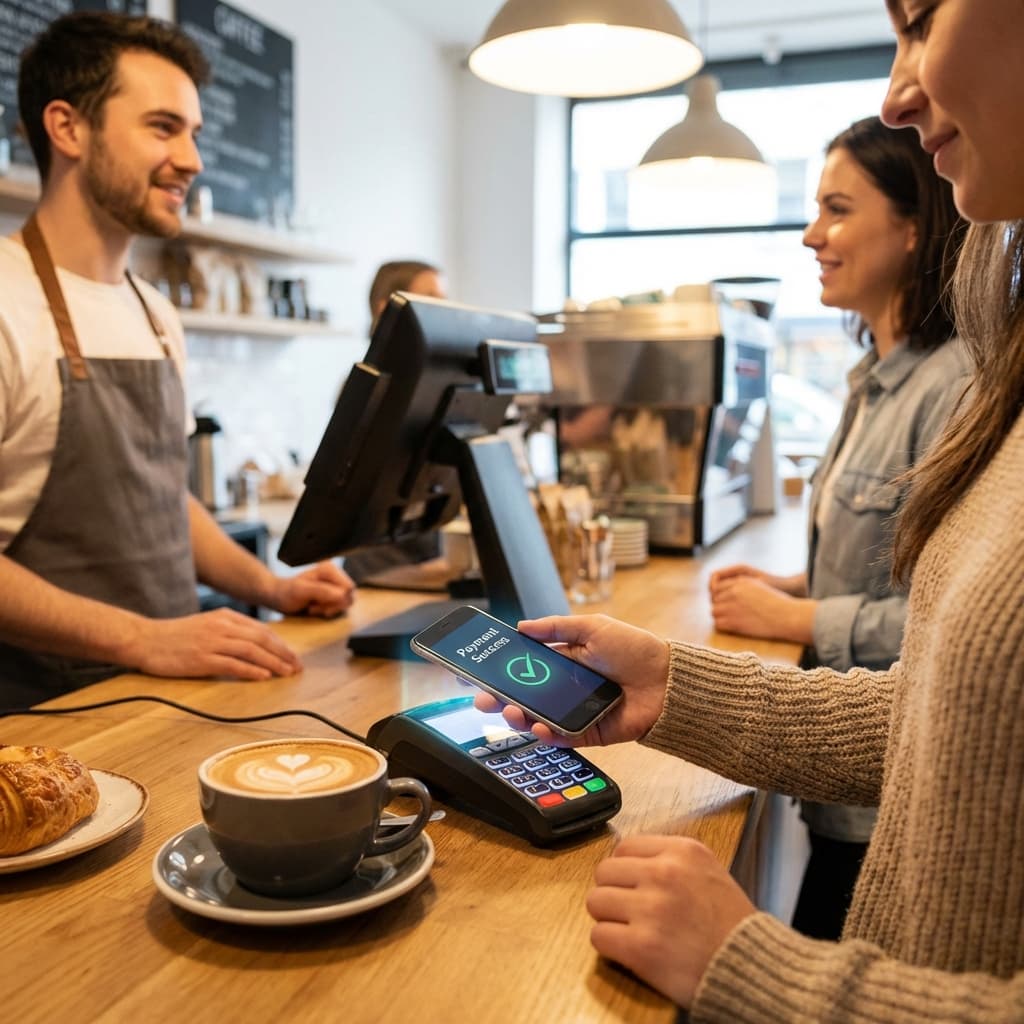
Handheld POS terminals and mobile payment options eliminate this entire choreography. Guests can split checks with surgical precision (not just evenly—"I had the salmon and two glasses of wine"), apply their own discount codes, select tip percentage, and approve payment in under 60 seconds.
Real-World Impact: A Seattle gastropub implemented tableside payment and measured the results over three months:
- Table turn time decreased by 12 minutes during dinner service
- This enabled an additional seating turn on 40% of tables during peak Friday/Saturday nights
- Revenue increased by $2,800 weekly despite no changes to pricing or menu
- Customer satisfaction scores for "payment convenience" rose from 3.2 to 4.7 out of 5
Advanced Features: Modern payment systems integrate with loyalty programs, automatically applying points and rewards. They can split checks by seat, by item, or evenly. They support Apple Pay, Google Pay, and contactless cards. Some even enable guests to pre-authorize their card at the beginning of the meal and leave whenever they want—the system automatically charges and closes out the check.
Contactless Beyond Ordering and Payment
The contactless revolution extends beyond transactions:
- Digital wine lists with extensive tasting notes, sommelier videos, and food pairing suggestions
- Loyalty check-ins via NFC tap (no app download required)
- Feedback collection immediately after payment while experience is fresh
- Social media integration encouraging Instagram posts by offering 10% off next visit for tagging restaurant
2. Dynamic Digital Menus: Real-Time Flexibility
Printing physical menus is expensive, wasteful, and inflexible. A full-color menu printing run for 200 menus costs $400-800. Seasonal menu changes mean 4-6 print runs annually, totaling $2,000-4,800 just for paper menus.
Digital menus eliminate printing costs entirely, but the real value lies in their dynamic capabilities.
Real-Time Inventory Sync
The dreaded "86 list" (industry term for sold-out items) has traditionally required servers to memorize and communicate to every table. This breaks down constantly—servers forget, new items get 86'd mid-shift, frustrated customers order unavailable items.
Digital menus integrate with inventory systems to automatically gray out or remove unavailable items in real-time. When the last Dover Sole leaves the kitchen, it disappears from every digital menu instantly. No server memorization required. No disappointed customers.
Case Study: A San Francisco French bistro implemented real-time inventory sync and eliminated 23 instances per night of customers ordering unavailable items—events that typically resulted in frustration, longer table times (while alternative is selected), and reduced tips for servers who bore the brunt of customer disappointment.
Dynamic Pricing
Pricing can now respond to demand, inventory, and time in real-time:
Time-Based Pricing: Configure happy hour specials to automatically activate at 4:00 PM and revert at 6:00 PM. Early bird dinner specials (5:00-6:30 PM) help fill seats during slow periods without training staff to remember which items are discounted when.
Inventory-Driven Pricing: When you have excess inventory approaching expiration, automatically discount it by 20% to move product that would otherwise become waste. The system can even A/B test pricing—showing slightly different prices to different customers to find the optimal price point.
Demand-Based Pricing: During peak periods when you have a waitlist, prices can increase by 10-15% (similar to surge pricing). While controversial, some high-end establishments successfully implement this by being transparent about the pricing model.
Rich Media Presentations
Text descriptions have limitations. Even the most poetic menu copy can't compete with a 10-second video of chocolate lava cake being plated, with hot fudge cascading down the sides.
Digital menus support:
- Professional food photography that makes items irresistible
- Video clips showing preparation or presentation
- Chef intro videos explaining signature dishes and personal story
- 360-degree views of elaborate presentations
- User-generated content showing real customer photos from Instagram
Research from menu psychology experts shows that adding professional photography to menu items increases orders of those items by 23-31%. Video increases it further to 35-42%.
Personalization and Recommendation Engines
Digital menus can remember returning customers (via loyalty account or device fingerprinting) and offer personalized experiences:
- "Welcome back, Sarah! Your usual Margherita pizza with extra basil?"
- "Based on your last visit, you might enjoy our new Truffle Carbonara"
- Dietary preference filtering ("Show me vegetarian options")
- Allergen warnings based on saved profile ("Contains shellfish - marked unsafe for you")
Implementation Pathway:
Phase 1 (Month 1): Replace physical menus with digital versions accessible via QR/NFC. Focus on accurate content migration and appealing design.
Phase 2 (Month 2-3): Integrate with POS for real-time ordering and inventory sync.
Phase 3 (Month 4-6): Add professional photography and rich descriptions.
Phase 4 (Month 6+): Implement dynamic pricing, personalization, and advanced analytics.
3. Automated Inventory Management: Data Over Intuition
Experienced chefs and restaurant managers develop intuition for inventory needs—they "feel" when par levels are off or when a weekend rush will require extra prep. But intuition is inconsistent, can't scale beyond one person's brain, and often results in either waste (over-prepping) or stockouts (under-prepping).
Automated inventory management systems replace gut feeling with precision data analytics.
How It Works
Modern inventory platforms integrate with:
- POS systems to track every item sold in real-time
- Smart scales and IoT sensors that continuously monitor stock levels
- Supplier ordering systems for automated reordering
- Waste tracking systems to understand what spoils or gets thrown out
When you sell a burger, the system automatically deducts 6 oz ground beef, 1 bun, 2 slices cheese, 3 pickle slices, lettuce, tomato, and sauce from inventory. It tracks theoretical vs. actual usage to identify waste, theft, or portion inconsistency.
Predictive Ordering
AI algorithms analyze historical patterns to predict future needs with uncanny accuracy:
Data Inputs:
- Historical sales by day, time, season
- Weather forecasts (rainy days = soup sales increase 23%)
- Local events (concert at nearby venue = 40% increase in pre-show dining)
- Trends and patterns (Monday sales consistently down 12%)
- Supply chain lead times for each vendor
Outputs:
- Precise prep lists for kitchen staff
- Automated purchase orders sent to vendors
- Alerts when usage deviates from predictions (possible theft or waste)
- Recommendations for menu engineering (Item X has high waste, consider removing)
Waste Reduction Impact
Food waste represents 4-10% of revenue for most restaurants—one of the largest controllable costs. Automated inventory management typically reduces waste by 40-60% through:
- More accurate prep quantities
- Better rotation of perishable ingredients (FIFO enforcement)
- Data-driven decisions about menu items that generate waste
- Identifying spoilage patterns before they become recurring problems
Case Study: A Portland farm-to-table restaurant group with three locations implemented MarketMan inventory software. Over six months:
- Food waste decreased from 8.2% of COGS to 3.1%
- This represented $4,200 monthly savings per location ($151,200 annually across three locations)
- Labor time spent on inventory counts decreased from 12 hours weekly to 2 hours
- Stockouts of key ingredients decreased by 89%
The software cost $165/month per location. ROI was achieved in the first month.
Supplier Management and Cost Control
Beyond inventory tracking, these systems provide powerful vendor management:
- Price tracking across multiple suppliers to identify cost increases or better deals
- Automated RFQ (request for quote) sent to multiple vendors simultaneously
- Receiving verification ensuring delivered quantities match invoices
- Performance scoring for suppliers based on accuracy, timeliness, and quality
4. Guest Wi-Fi Marketing: From Amenity to Asset
Free guest Wi-Fi has transitioned from luxury amenity to expected baseline—75% of diners say they expect free Wi-Fi at casual dining establishments and above. But offering Wi-Fi doesn't just serve customers—it creates a powerful marketing channel that sophisticated operators leverage.
The Captive Portal Strategy
A captive portal is the splash page that appears when customers first connect to your network. Instead of immediate internet access, customers see a branded page that can:
Collect Valuable Data:
- Email addresses (with appropriate consent and value exchange)
- Basic demographics (age range, interests)
- Feedback ("How was your experience today?")
- Social media follows
The key to ethical and effective data collection is the value exchange. Don't just demand an email address—offer something in return:
- "Join our email list for 10% off your next visit"
- "Follow us on Instagram to see our menu updates"
- "Complete a 60-second survey for a free appetizer next time"
Legal and Privacy Considerations: Always comply with data protection regulations:
- GDPR (Europe): Clear consent, easy opt-out, transparent data usage
- CCPA (California): Right to know, delete, and opt-out
- CAN-SPAM (U.S.): Clear unsubscribe, accurate sender information
- CASL (Canada): Express opt-in consent
Marketing Automation and Retargeting
Once customers are in your database, sophisticated marketing automation begins:
Behavioral Triggers:
- Customer visits weekly for six weeks, then stops → "We miss you! Here's 15% off to come back"
- Customer always orders the burger → "Try our new burger variation this month"
- High-value customers (average check over $75) → VIP event invitations
Segmentation: Divide your audience for targeted messaging:
- Lunch regulars vs. dinner customers (different offers, different times)
- Solo diners vs. groups (different messaging about atmosphere)
- Wine enthusiasts vs. cocktail lovers (beverage-specific promotions)
Lifecycle Campaigns:
- New Customer Sequence: Visit 1 → Thank you email. Visit 2 → Here's what else we offer. Visit 3 → Join loyalty program.
- At-Risk Sequence: No visit in 30 days → Soft reminder. 45 days → Compelling offer. 60 days → "We've changed!" message with menu updates.
- VIP Sequence: Recognition, exclusive access, birthday rewards, referral incentives.
Review Generation
Your captive portal can strategically prompt review generation:
- After customers log in, immediately redirect to Google/Yelp review page
- Send email 24 hours after visit: "How was your experience? Leave a review!"
- Identify highly satisfied customers (based on feedback or spending) and prioritize them for review requests
Restaurants with 50+ Google reviews average 36% higher revenue than those with fewer reviews. Each additional star in rating correlates with 5-9% revenue increase.
Ethical Implementation: Never offer incentives specifically for positive reviews (violates platform policies). Do offer incentives for honest reviews ("Leave us a review—good or bad—and get 10% off next time"). Focus review requests on customers who had demonstrably positive experiences.
Analytics and Business Intelligence
Wi-Fi data provides valuable insights:
- Dwell Time: How long customers stay (correlate with check size and table turns)
- Visit Frequency: Identify regulars vs. one-timers
- Peak Hours: Precise data on when you're busiest (inform staffing)
- Device Data: Customer demographics inferred from device types
- Foot Traffic Patterns: Walk-by traffic that doesn't enter (opportunity to improve signage or curb appeal)
5. Review Management AI: Protecting Your Reputation at Scale
Your online reputation is your most valuable intangible asset. Studies show:
- 90% of consumers read online reviews before visiting a business
- 86% would hesitate to purchase from a business with negative reviews
- Restaurants need a minimum 4.0-star average to be competitive
But managing reviews is time-consuming. Between Google, Yelp, TripAdvisor, Facebook, OpenTable, and industry-specific platforms, a busy restaurant might receive 20-50 reviews monthly. Responding to each thoughtfully requires significant time—time that restaurant owners and managers don't have.
AI-Powered Response Drafting
Modern AI tools can draft personalized, contextually appropriate responses to reviews in seconds:
For Positive Reviews: AI drafts thank customers by name, references specific details they mentioned ("So glad you enjoyed the pork belly tacos"), invites them back, and maintains brand voice.
Example AI-drafted response:
Key Takeaway
"Hi Marcus, thank you so much for the wonderful 5-star review! We're thrilled you enjoyed our pork belly tacos—Chef Rodriguez takes great pride in that recipe. We'd love to welcome you back soon to try our new seasonal menu. Ask for Sarah next time and mention this review for a complimentary appetizer!"
For Negative Reviews: AI drafts empathetic, professional responses that:
- Acknowledge the customer's experience without excessive apology
- Take responsibility for legitimate failures
- Explain what happened (if appropriate)
- Offer to make it right
- Move conversation offline when needed
Example AI-drafted response to complaint about slow service:
Key Takeaway
"Hi Jennifer, thank you for sharing your feedback about your recent visit. We sincerely apologize that service didn't meet our usual standards on Saturday night. We were experiencing equipment issues in the kitchen that slowed everything down, though that's no excuse for the wait you experienced. We'd love the opportunity to provide you with the experience you deserve—please reach out to me directly at manager@restaurant.com and I'll personally ensure your next visit exceeds expectations. - Michael, General Manager"
Sentiment Analysis and Trend Detection
AI doesn't just help with responses—it identifies patterns humans might miss:
Trend Detection:
- "Slow service" mentioned in 8 reviews over two weeks → investigate staffing or kitchen processes
- "Amazing patio atmosphere" mentioned frequently → emphasize patio in marketing
- Specific server mentioned positively 12 times → recognize and reward them
- Specific dish mentioned negatively 5 times → evaluate recipe or preparation
Competitive Intelligence: AI can monitor competitors' reviews to identify:
- What customers love about competitors (opportunities to emulate)
- What customers hate about competitors (opportunities to differentiate)
- New menu items competitors are launching
- Service trends in your market
Review Generation Campaigns
AI tools can identify the optimal customers to request reviews from:
- Customers with highest check averages (likely to leave positive reviews)
- Repeat visitors (demonstrable loyalty)
- Customers who left positive feedback through other channels
- Customers who explicitly complimented specific elements
Timing matters too. AI determines optimal request timing:
- Not immediately after meal (let experience settle)
- Not too long after (memory fades)
- Generally 24-48 hours is ideal
- Never during busy periods when customers might be annoyed by outreach
Reputation Monitoring and Alerts
AI continuously monitors all review platforms and alerts you to:
- Urgent negative reviews (1-2 stars requiring immediate response)
- Review bombs (coordinated negative reviewing, often fraudulent)
- Sudden rating changes (sharp decline indicating systemic problem)
- Competitor mentions (customers comparing you to competitors)
- Viral reviews (reviews getting high engagement that could affect brand)
Platform Recommendations:
- Broadly ($39-249/month): Multi-platform monitoring, AI drafting, sentiment analysis
- ReviewTrackers ($99-599/month): Enterprise-grade analytics, competitive insights
- Podium ($289+/month): Review generation, text messaging, payment integration
- Grade.us ($99-249/month): Small business focus, simple interface
ROI of Review Management
A Chicago Italian restaurant implemented review management AI and measured results over six months:
Before:
- Average rating: 4.1 stars
- Response rate to reviews: 23%
- Time spent on review management: 3 hours/week
- Monthly new customers citing online reviews: 47
After:
- Average rating: 4.5 stars (accumulated enough new positive reviews to lift average)
- Response rate to reviews: 98%
- Time spent on review management: 30 minutes/week
- Monthly new customers citing online reviews: 71
The $149/month software investment delivered approximately $18,000 in additional annual revenue through reputation improvement.
Emerging Trends Worth Watching
Beyond these five major trends, several emerging technologies warrant attention:
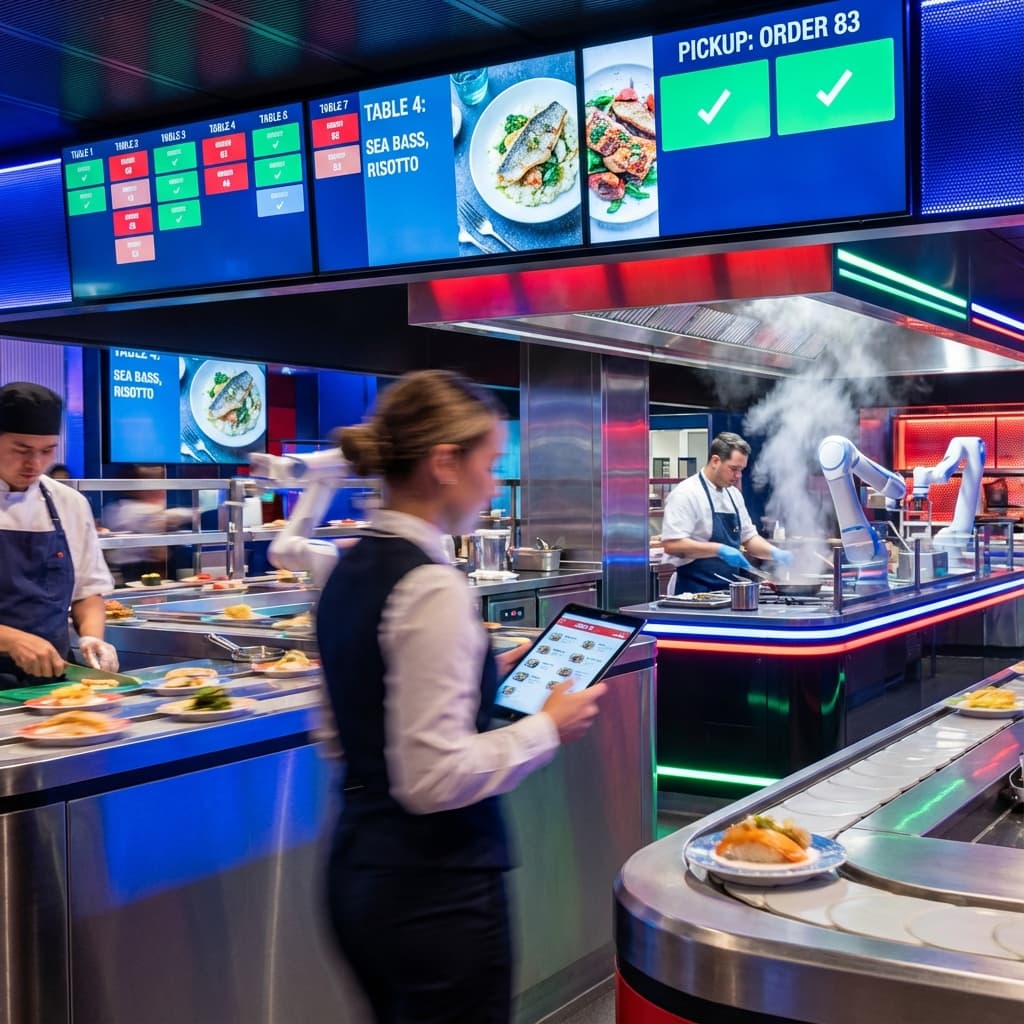
Kitchen Automation: Robotic prep stations that can chop vegetables, flip burgers, and even make pizzas with superhuman consistency.
Voice AI Ordering: AI phone systems that can take orders for delivery/takeout, answer common questions, and escalate complex issues to humans.
Predictive Maintenance: IoT sensors on refrigeration, HVAC, and cooking equipment that predict failures before they happen, preventing costly downtime.
Augmented Reality Menus: Point your phone at a menu item and see a 3D holographic representation of the dish hovering above the table.
Blockchain Supply Chain: Verify the provenance of ingredients with immutable records—prove your beef is actually grass-fed, your fish is sustainably caught.
Implementation Strategy for Small Restaurants
If you're feeling overwhelmed, here's a prioritized approach:
Quarter 1: Quick Wins
- Implement contactless payment (immediate ROI, low cost)
- Set up Google Business Profile and review monitoring
- Create basic Wi-Fi captive portal for email collection
Quarter 2: Operational Efficiency
- Launch contactless ordering if applicable to your service model
- Implement basic inventory management
- Start email marketing campaigns to collected customer data
Quarter 3: Optimization
- Upgrade to dynamic digital menus if contactless ordering is successful
- Implement review management AI
- Develop automated marketing sequences
Quarter 4: Advanced Features
- Add rich media to digital menus
- Implement predictive inventory ordering
- Launch loyalty program with tech integration
Conclusion: Technology as Competitive Advantage
Technology is no longer an "optional extra" for restaurants. It is the infrastructure upon which modern hospitality is built. The restaurants that will thrive in 2025 and beyond are those that thoughtfully integrate technology to:
- Reduce controllable costs (labor, waste, inventory)
- Enhance customer experience (speed, personalization, convenience)
- Build lasting relationships (data, marketing, loyalty)
- Free staff to focus on hospitality (automation of rote tasks)
- Make data-driven decisions (analytics over intuition)
The democratization of restaurant technology means that independent operators can now compete with chains on technology sophistication. A single-unit restaurant can offer the same contactless ordering, dynamic menu, and sophisticated marketing that national brands deploy—often at costs below $500/month.
The question is no longer "Should we adopt technology?" but rather "Which technologies will deliver the best ROI for our specific concept?" Start with the pain points that cost you the most—whether that's labor, waste, slow table turns, or inconsistent reviews—and implement technology that directly addresses those challenges.
Your customers increasingly expect technological sophistication. Meeting and exceeding those expectations will separate thriving restaurants from those merely surviving.